
Make a Drawing Tool with p5.js
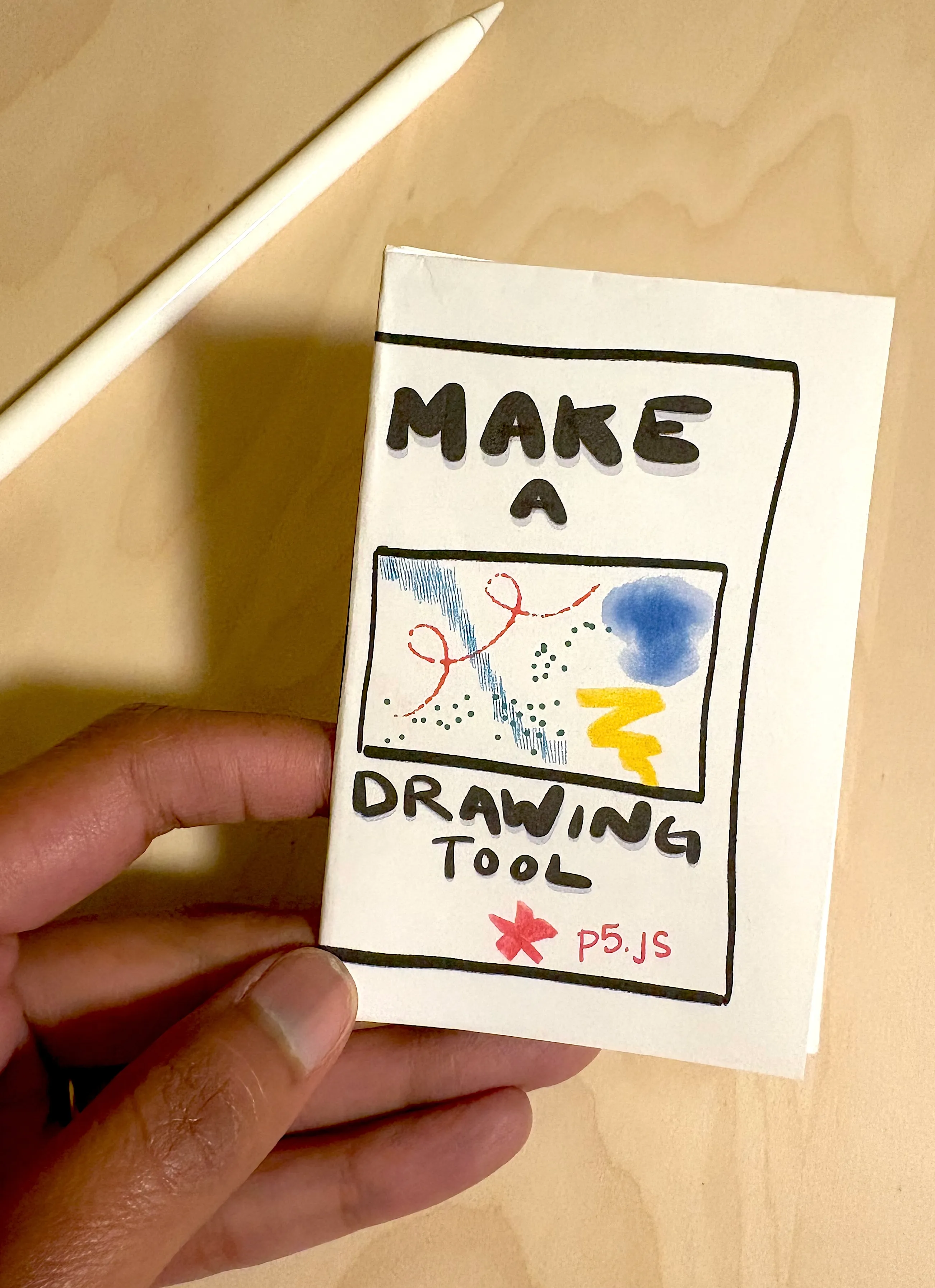
Make a Drawing Tool is a one-sheet folding zine that teaches coding by making something fun: a digital drawing tool built in p5.js. It’s written in a friendly, hand-lettered style with small code examples and “your turn” prompts, so learners can follow along one page at a time.
- First brush. The zine starts with the two functions every p5 sketch needs, setup() and draw(). It shows how createCanvas() sets the size of your canvas, and how windowWidth and windowHeight can make it fill the whole screen. With mouseIsPressed, mouseX and mouseY, readers make a simple brush that paints wherever they click and drag, then experiment by changing the numbers.
- Color and shape. A colors page explains how background(), fill() and stroke() work, covering grayscale, RGB and see-through colors (alpha). A shapes page introduces rect(), ellipse(), line(), triangle() and quad(), and shows how to place shapes at the cursor.
- Randomness. A “Meet random()” page shows how random() picks a surprise number, including within a range you choose. Readers use it to build a confetti brush that scatters a new color with every frame.
- Switching brushes. The final section turns each brush into its own named function and uses keyPressed() so keys 1, 2 and 3 swap between brushes. A variable keeps track of which brush is active, and draw() checks it.
- Full code. The complete sketch is printed for reference, with a reminder not to forget the variable that tracks the current brush.
The zine is a companion to an OpenProcessing tutorial, linked by the QR code. After building their own brushes, learners can use OpenProcessing’s live collaboration feature to work in the same sketch with friends. Each person adds their brush as a new function and gives it a key, and together they create one big drawing tool with everyone’s brushes in it.